Unified Communications App · Desktop · Mobile · Web

Work Without a Desk Phone. Work From Anywhere.

Phonewire’s Unified Communications App gives every member of your team a full business phone system on any device — Mac, PC, iPhone, Android, tablet, or web browser. One app. Every call, chat, and meeting.
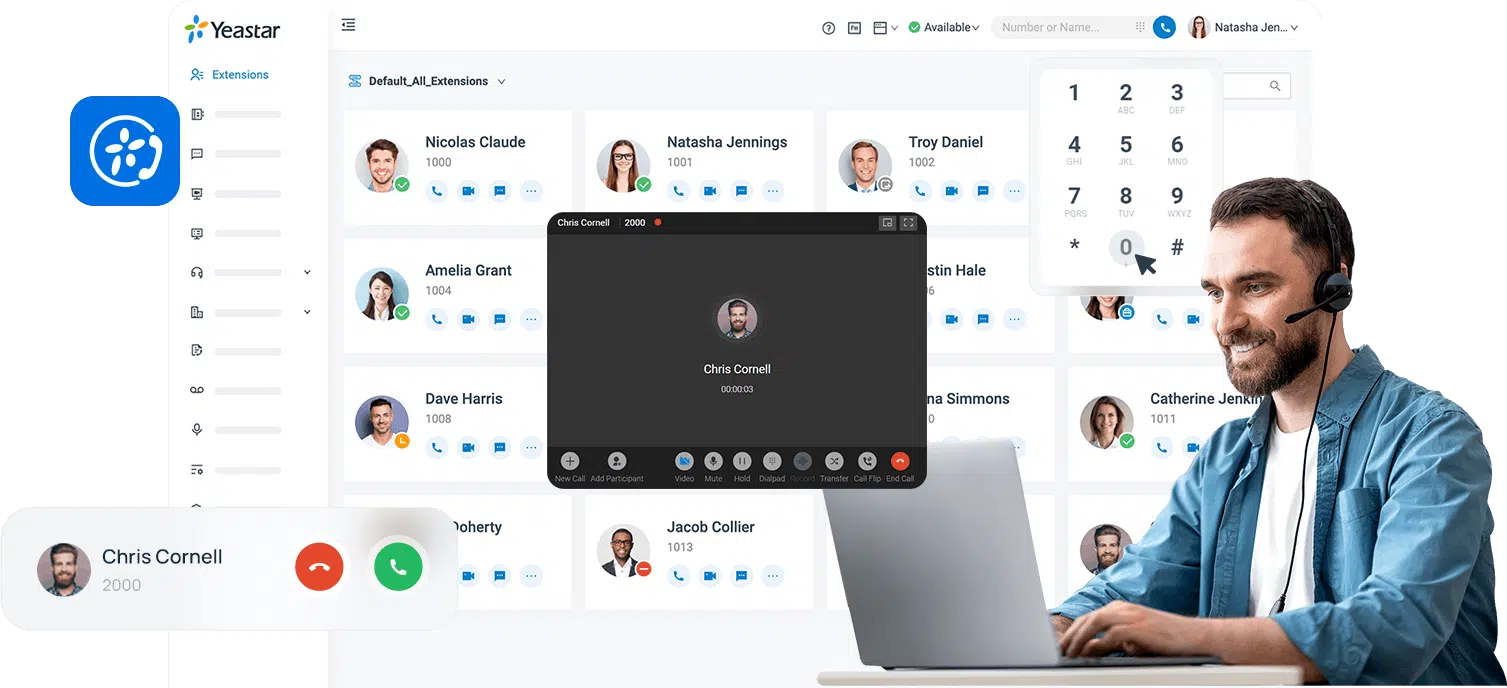
Desktop, mobile & browser — all in sync Enterprise-level encryption One-click setup
Yeastar Linkus Unified Communications App — desktop client showing extensions, call controls, and presence
🚀

Business Moves You

Easily move between calls, chats, and meetings. Stay connected in one app no matter where work takes you.

🔒

Secure Everywhere

Encrypted, secure connection in one click — no extra VPN or firewall configuration required.

Easy for Everyone

Simply install, log in, and it just works. Contacts and settings are always in sync across all your devices.

Three Ways to Connect

Choose How Your Team Accesses Their Business Phone

Desktop Mac and PC app — full Yeastar Linkus UC desktop client

Desktop Mac & PC App

Full UC capabilities on your computer

The complete unified communications experience — calls, chats, meetings, operator panel, presence, and CRM integrations — from your Mac or Windows PC.

Learn About Desktop App →
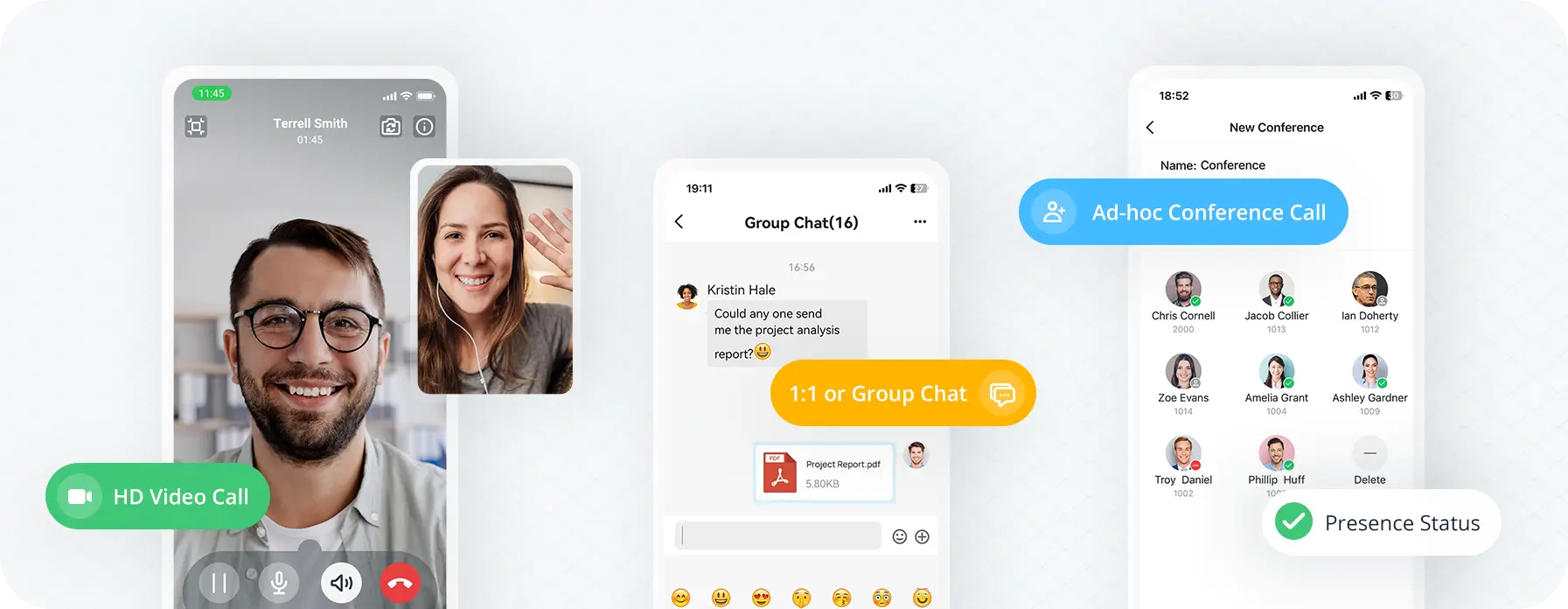
Mobile and tablet app — business phone system on iPhone, Android, and iPad

Mobile & Tablet App

Your business number on iPhone & Android

Make and receive business calls on your smartphone or tablet — with the same extensions, contacts, and call history as your desk phone. Works on iOS and Android.

Learn About Mobile App →
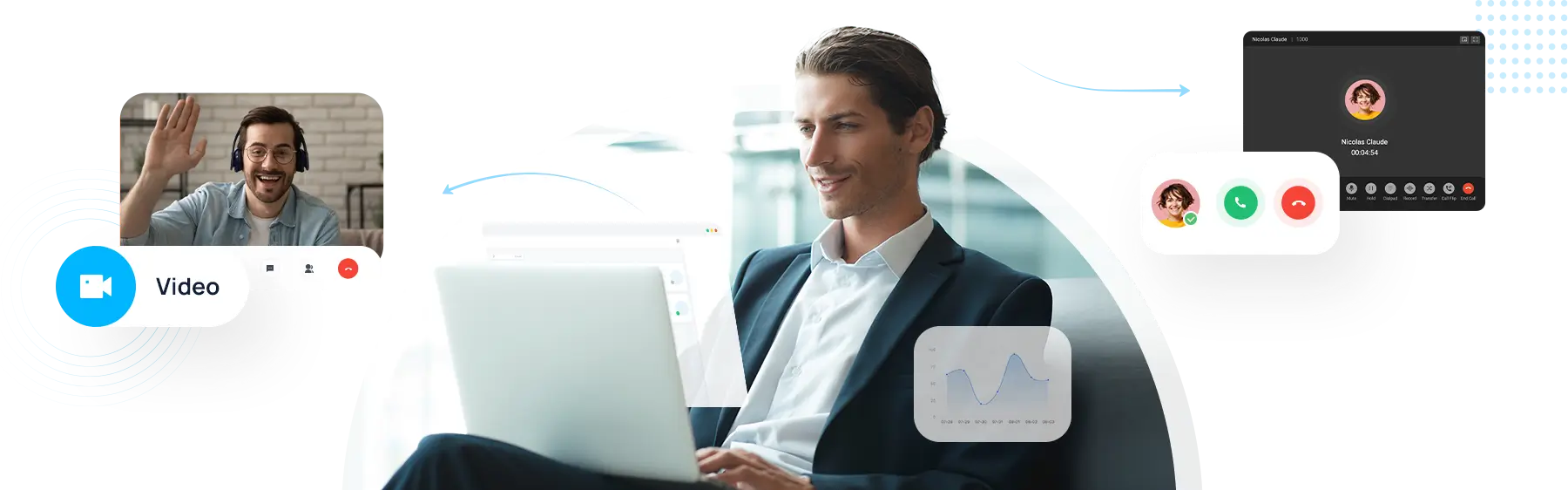
Web browser connect — access your business phone from any browser, no download needed

Web Browser Connect

No app download required

Access all key business phone features directly from Chrome, Firefox, Safari, or Edge — no software installation needed. Includes optional Chrome extension for click-to-dial.

Learn About Web Connect →

Phonewire Unified Comms App in action — calls, contacts, and meetings from anywhere
Core Features

Everything Your Team Needs to Stay Connected

Your business phone system — fully accessible from any device, anywhere with an internet connection.

  • Make, transfer, hold, and mute business calls on the go
  • Check call logs, voicemails, and recordings in one view
  • Flip calls seamlessly between desktop, mobile, and browser
  • See colleague presence and availability in real time
  • Chat, share files, and message your team internally
  • Support customers via web chat and SMS from one inbox
Full Feature Set

The Right Set of UC Capabilities

Give your hybrid employees, sales teams, support agents, and call centers the tools they need to communicate and collaborate more effectively.

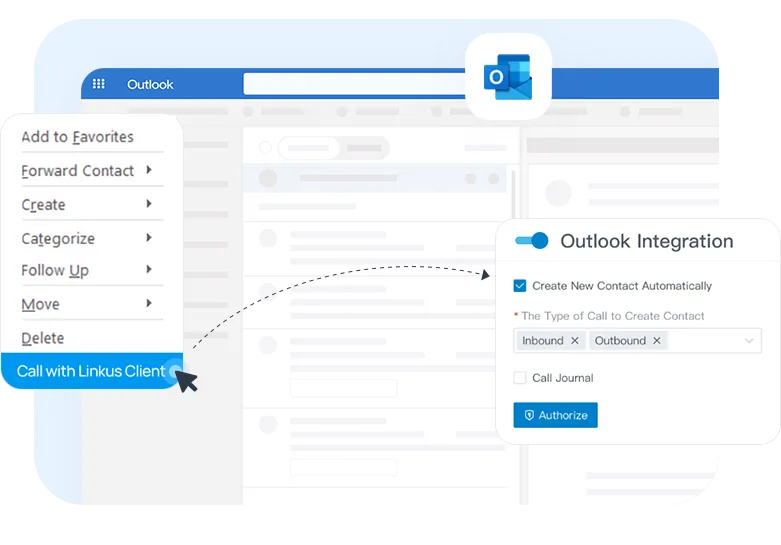
View the real-time availability of your colleagues before reaching out. Determine the most appropriate time and method for connecting with them on the first try — reducing missed calls and interruptions.
Manage and control live calls with an easy drag-and-drop interface. Monitor employee availability, direct calls efficiently, and handle multiple calls simultaneously — all from a single centralized dashboard.
Assign function keys for quick access to frequently used features — speed dial, day/night call routing, intercom paging, and voicemail check — with a single button press.
Easily transfer an active call between your Web, Desktop, Mobile app, and desk phone with one click — ensuring a seamless calling experience without interruptions or dropped calls.
Easily handle contact management and click-to-call functionality for both business and personal contacts. Syncs automatically across all your devices.
Support customers through Web Chat and SMS text messaging, and collaborate with colleagues in internal team chats with file sharing. Send, receive, and manage all messages in one place.
Visualize, manage, and monitor call activities in queues in real time. The call center console includes a dynamic Queue Panel, Wallboard, and all agent productivity tools in one place.
Click to dial any phone number on your computer screen while still using a physical desk phone — plus transfer, hold, retrieve calls, and perform other operations directly from your desktop.
Yeastar Linkus UC app — presence and availability panel showing colleague status
Phonewire app integrations — CRM, Outlook, helpdesk, and business platform connections
Integrations

Integrate, then Automate

Your business phone service connects to your favorite CRM, helpdesk, and business platform — syncing contacts, tracking conversations, and analyzing calls automatically across your mobile, desktop, and web clients.

No more jumping between apps to search for contacts. Just scroll and connect.

Browse All Integrations →
Security & Setup

Enterprise-Level Security. One-Click Setup.

All communications on the app are encrypted at an enterprise level through Phonewire’s innovative remote access service — no extra VPN or network configuration required.

One-step client activation makes off-premise connection hassle-free for any desktop, mobile, or tablet device you use — at home, in the office, or anywhere in between.

Enterprise-level security — encrypted business communications on Phonewire Unified Comms App
See It in Action

Watch: The Best Business Phone Service — Anytime, Anywhere

See how Phonewire keeps your team connected from any device. This video walks through the full Unified Communications experience — desktop, mobile, and browser — and how your business stays reachable no matter where your team works.
Video: Play video: The Best Business Phone Service — Anytime, Anywhere
Ready to give your team a phone system that moves with them?

Phonewire sets up the full Unified Communications App as part of your business phone system — desktop, mobile, and web all included.

Common Questions

FAQ: Unified Communications App

Both — it’s your choice. The Unified Comms App can work alongside your desk phone (and you can flip calls between them with one click), or it can serve as your only phone for remote or mobile workers. It works however your team is set up.
The app works on Mac, Windows PC, iPhone, iPad, Android phones, Android tablets, and any modern web browser including Chrome, Firefox, Safari, and Edge. All versions stay in sync — call logs, voicemails, contacts, and settings are the same across every device.
Yes. Phonewire’s remote access service encrypts all communications at an enterprise level — no VPN setup or special network configuration required. You can use the app securely from home, a coffee shop, a hotel, or anywhere with an internet connection.
The Unified Comms App is included as part of Phonewire’s business phone service. There’s no separate software purchase required. Your team members can download and activate their individual apps with a one-step setup process.
Yes. When you make or receive calls through the app, your business phone number is what shows up on caller ID — not a personal cell number. Customers and contacts always see your business number, maintaining a professional appearance regardless of which device you use.

Work From Anywhere — Without Giving Up Your Business Phone System

Phonewire’s Unified Communications App keeps your full phone system in your pocket, on your computer, and in your browser — all in sync, all secure, all the time.