A Business Phone System in Your Pocket.
Phonewire’s mobile app brings your complete business phone system to your iPhone, Android, or tablet. Same number, same extensions, same contacts — whether you’re at your desk or anywhere else.
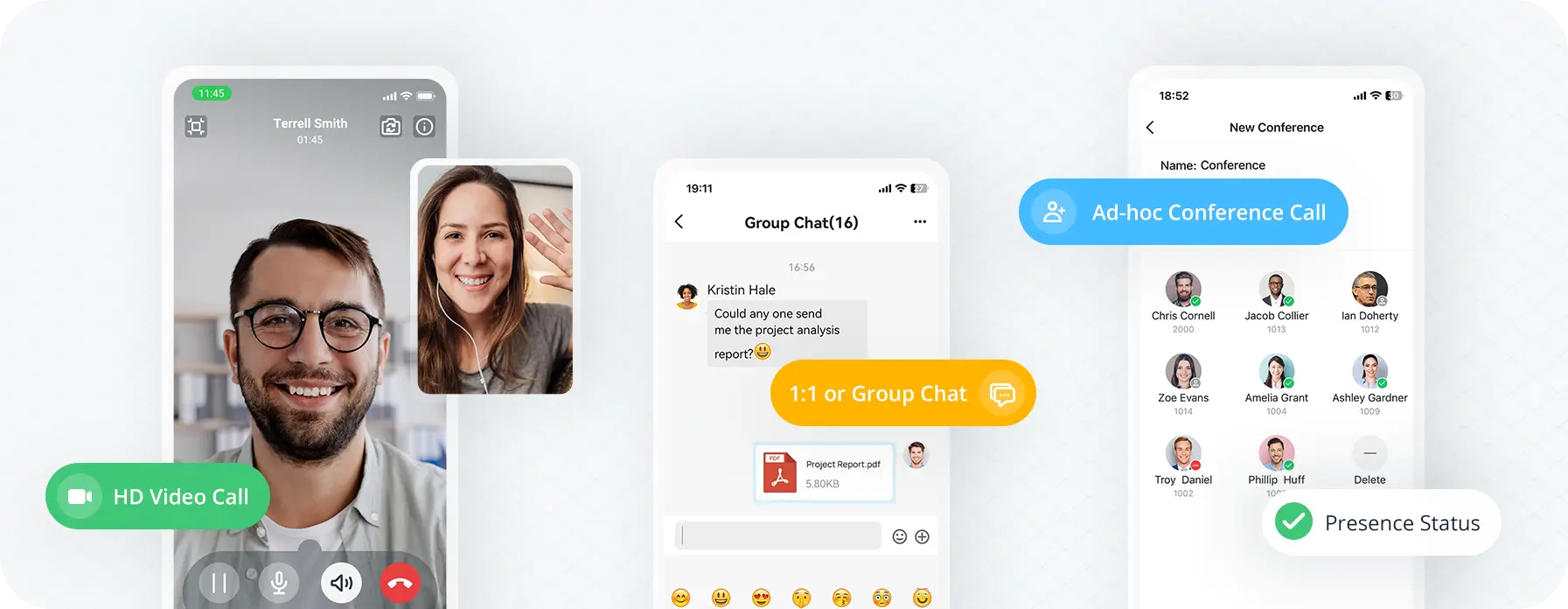
Business Moves You
Move between calls, chats, and meetings from your phone. Your contacts and team are just one tap away.
Secure Everywhere
Encrypted, secure connection in one click — no VPN or firewall settings needed, on any network.
Easy for Everyone
Simply install, log in, and it just works. Features and settings stay in sync with your desktop and web client.

Say Hello on the Go
Your complete business phone system, now in your pocket. Use your business number to make and receive calls, and manage everything from the same interface your desk phone uses.
- Make, transfer, hold, and mute calls from your mobile
- Your business number shows on outbound caller ID
- Access call logs, voicemails, and recordings in one view
- Flip calls between mobile, desktop, and browser instantly
- Chat with colleagues and message customers via SMS
- Stay in sync with your desktop and web client automatically
Enterprise Security. One-Click Activation.
All mobile communications are encrypted at an enterprise level through Phonewire’s remote access service. No VPN required, no complex network setup — just install, log in, and work securely from anywhere.
One-step activation connects your mobile device to your business phone system in minutes. Works on any WiFi or cellular network.

Integrate, then Automate
Your business phone service connects to your CRM, helpdesk, and business platforms — and stays in sync automatically across your mobile, desktop, and web clients. No more switching apps to find a contact.
Browse All Integrations →Watch: Stay Connected Anytime, Anywhere
The Phonewire mobile app comes included with your business phone service. No separate subscription required — just install and activate.
FAQ: Mobile & Tablet App
Your Business Phone System — Now in Your Pocket
Phonewire’s mobile app keeps your team reachable and professional from anywhere — on their business number, with the same call handling they use at their desk.
App images are illustrative only. The software you receive may differ in appearance, features, or functionality based on your specific product and plan, and is subject to change by its manufacturer. See our Terms and Conditions for details.