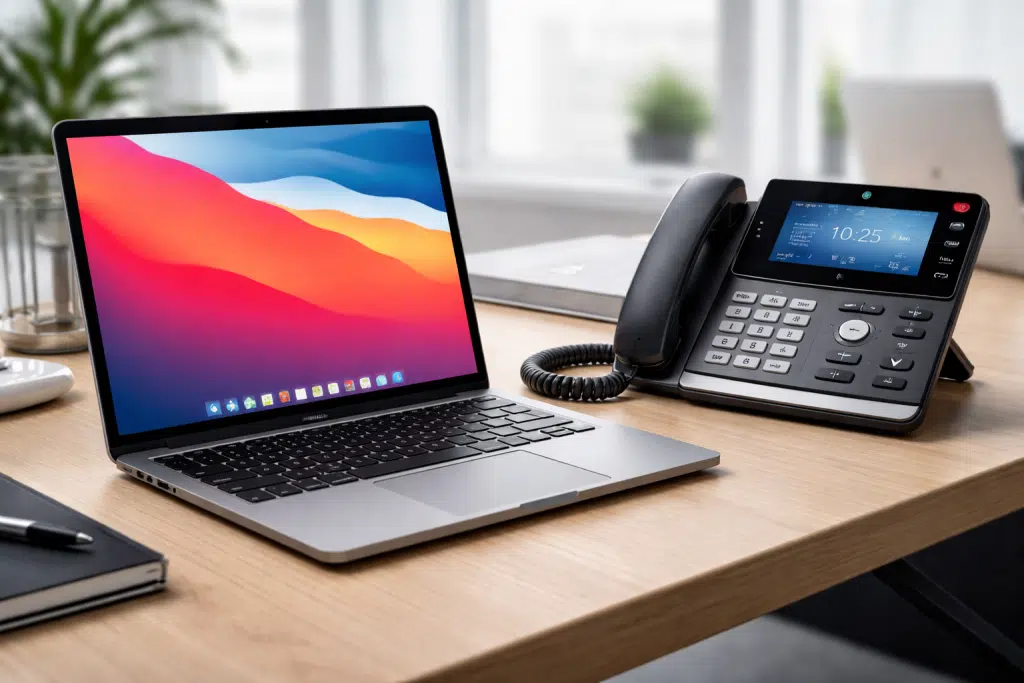
Can I Just Download a New Business Phone System?
Imagine a phone system upgrade that’s as simple as downloading a file — no desk phones required, no IT department needed, and no separate apps for calling, texting, meetings, and messaging. In 2026, for many businesses, that’s not a hypothetical. It’s how Phonewire works.
The Problem With How Most Businesses Communicate Today
The average small business employee in 2026 juggles six or more separate communication tools: a desk phone for inbound calls, a cell phone for personal calls, Zoom for video meetings, Microsoft Teams for internal chat, email for written correspondence, and some combination of SMS, WhatsApp, and RingCentral for external texting. Every tool has its own login, its own notification, and its own conversation history — none of which talk to each other.
The cost of this fragmentation isn’t just subscription fees (though those add up). It’s the daily friction of switching between contexts, missing a message in the wrong app, and the growing sense that the more ways you can be reached, the harder it is to actually communicate.
Most customers prefer to communicate with businesses through multiple channels — phone, text, email, video. Offering only a landline isn’t enough anymore to build the kind of trusted, responsive relationship that creates loyalty. The businesses winning today are the ones that meet customers where they are, in the format they prefer, with one consistent voice across all of them.
Yes — You Can Download a Phone System
The answer to the question in this post’s title is: for many businesses, yes. The Phonewire unified communications app brings your full business phone system — your number, your extensions, your voicemail, your call routing — into a single application that runs on any computer, smartphone, or tablet.
What does that actually mean in practice? One application that does three things simultaneously:
2. Bridges team communication, customer communication, and collaboration. Internal team chat and external customer conversations in the same app. No more switching between Teams for internal and RingCentral for external.
3. Combines customer communication, management, and analytics. Call logs, voicemail, presence indicators (who’s available, who’s on a call), call recording, and reporting — all accessible without logging into a separate admin portal.
What It Replaces
The Phonewire app is designed to replace the communication stack most small businesses have accumulated over time. Here’s what one download can consolidate:
- Your desk phone — your business number rings to the app on your computer or smartphone. No physical handset required, though desk phones are still supported for those who prefer them.
- Zoom / GoToMeeting — video conferencing is built in. Schedule and launch video calls without a separate app or account.
- Microsoft Teams (for internal messaging) — team chat, presence, and file sharing are included. Your staff can see who’s available, who’s on a call, and message each other without leaving the app.
- RingCentral (for business SMS) — two-way text messaging with your business number is included. Customers text your main number; your team replies from the app.
- Your voicemail system — voicemail is delivered as audio and, with Phonewire’s transcription service, as readable text directly to your inbox.
The result: fewer logins, fewer subscriptions, fewer notification sources, and a single searchable record of every customer interaction.
Who It’s For — and Who It Isn’t
The download-based approach works best for businesses with mobile or distributed teams, professionals who are rarely at a fixed desk, and small offices that want enterprise-quality communications without the hardware overhead. It’s particularly well suited to:
- Solo practitioners and small professional services firms (law, accounting, consulting)
- Real estate agents, insurance brokers, and financial advisors
- Remote or hybrid teams that work across locations
- Businesses adding staff quickly who can’t wait for hardware installation
It’s not the only option Phonewire offers, and it isn’t the right fit for every situation. Businesses with large reception areas, multi-line operator consoles, or warehouse/manufacturing environments often still benefit from physical desk phones and on-premises hardware. Phonewire installs both — and will recommend the right configuration for your specific setup, not just the one that’s easiest to sell.
What About Cost?
When you add up the per-seat cost of Zoom Business, Microsoft Teams Phone, a RingCentral subscription, and a traditional phone line, most small businesses are spending $60–$100+ per user per month on fragmented communications. If RingCentral is the piece you’re rethinking, here’s our RingCentral alternative with installed desk phones. Phonewire’s cloud-hosted plan consolidates all of that — calling, texting, video, messaging, voicemail — at $35/user/month, with no long-term contract and no per-feature licensing.
For a 10-person team, that’s a potential savings of $250–$650 per month — and a significant reduction in the administrative overhead of managing multiple vendor relationships.
See What One App Can Replace for Your Business
The Phonewire unified communications app is available for Mac, Windows, iOS, and Android. Schedule a demo and we’ll show you exactly how it would work for your team — live, in the app, with your questions driving the walkthrough.
📞 (800) 857-1517