Connect Your Apps to Your Calls.
Link the business software you already use to your Phonewire phone system — so caller information syncs automatically, contacts appear before you answer, and every conversation is logged where it belongs.
Business software works better when it’s connected to your phone. Phonewire’s open integration ecosystem lets you stick with the tools your team already uses every day — while making every call smarter. Know who’s calling before you pick up. Log calls automatically. Route customers based on CRM data. No more jumping between apps to find a contact or catch up on a conversation history.
Take Advantage of an Open Ecosystem
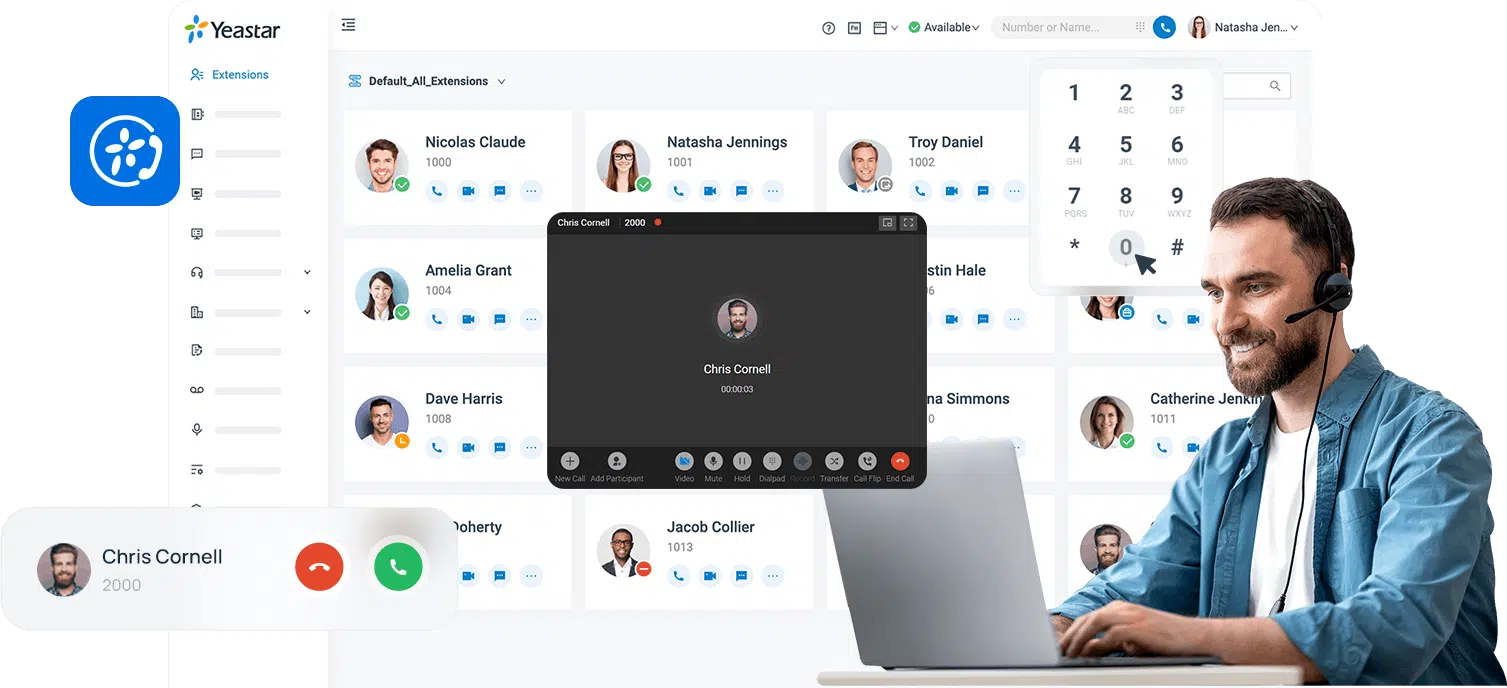
- Caller ID pop-ups: See who’s calling and pull their CRM record automatically before you answer.
- Click-to-dial: Click any phone number in your CRM, helpdesk, or browser to dial instantly — no manual dialing.
- Automatic call logging: Every inbound and outbound call is logged in your CRM with duration, time, and outcome.
- Contact sync: Keep your business contacts in sync between your phone system and CRM without manual updates.
- Microsoft 365 integration: Connect with Outlook calendar, Teams, Active Directory, and Azure SSO from one platform.
- Stays in sync across devices: Integration data follows you between desktop, mobile, and browser clients automatically.
Connect Once. Work Smarter Every Call.
Connect Your Apps
Phonewire configures the integration between your phone system and your business software during setup. Most major CRM, helpdesk, and Microsoft platforms connect with just a few clicks.
Calls Trigger Automation
When a call comes in or goes out, your integrated apps respond automatically — popping up caller records, logging activity, syncing contacts, and routing based on CRM data.
Everything Stays in Sync
All integration data syncs across your desktop app, mobile app, and web client in real time. Your team works from the same contact and call history regardless of which device they’re on.
20+ Integrations Across Every Business Category
Stick with the tools your team already uses. Phonewire connects to all major CRM platforms, the full Microsoft 365 ecosystem, helpdesk and productivity apps, and hotel PMS systems.
HubSpot
Place calls, log activity, and manage contacts directly within HubSpot. Inbound caller records pop up automatically so your team is always prepared.
Salesforce
Reduce distractions and help salespeople turn leads into customers with enterprise calling capabilities fully integrated into Salesforce workflows.
Zoho CRM
Let your team focus on connections — make better calls, track customer interactions effortlessly, and keep Zoho records updated without manual entry.
Odoo
Effortlessly manage and track calls in Odoo. Save agent time and boost customer satisfaction with call automation and CRM sync.
Microsoft Outlook
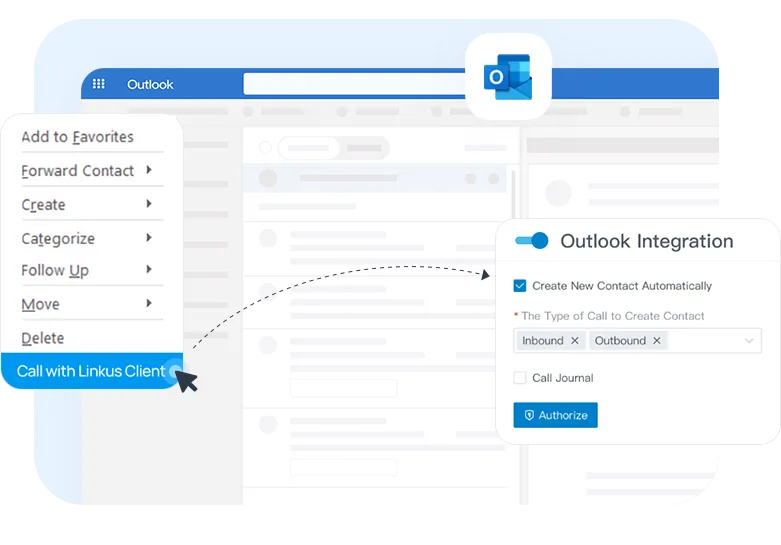
Click-to-dial from Outlook contacts, sync your calendar for meeting room booking, and keep call activity linked to email conversations automatically.
Microsoft Teams
Place calls, check voicemails, and look up contacts from within Teams — while reducing your Microsoft Enterprise licensing costs through PBX integration.
Microsoft 365
Get your workplace fully integrated with Microsoft 365, Outlook, Calendar, and Teams in one connected, streamlined tool.
Microsoft Dynamics 365
Make and receive calls with auto call pop-up, real-time contact queries, and phone call activity sync — keeping Dynamics records complete automatically.
Active Directory
Pull user information from Microsoft Active Directory and easily sync users, groups, and permissions to your phone system without manual setup.
Azure SSO
Access your PBX extension using existing corporate credentials and automate user provisioning — eliminating password management overhead.
Zendesk
Deliver amazing customer experiences and increase agent productivity by integrating your business phone system directly with Zendesk tickets and contacts.
Google Calendar
Use Google Calendar to book meeting rooms in one click, manage resources, and keep scheduling and call activity in sync across your workspace.
Google Workspace SSO
Automatically sync Google Workspace users to your phone system and eliminate password hassles with single sign-on — one login for everything.
SMS Messaging
Send and receive business SMS and MMS messages directly from the desktop or mobile app — using your existing business phone number.
Amazon S3
Off-load and archive your call recordings and system backup files to Amazon S3 — simplifying data management, storage, and compliance.
Datagate
Streamline telecom billing for MSPs and service providers. Numerous integrations into leading MSP platforms save time and reduce billing overhead.
Char PMSlink
Connect your PBX with your hotel property management system to deliver quality front desk services and streamline guest communications.
Easylynq
Connect hotel PMS systems including Oracle Opera, Protel, SIHOT, and more to streamline front desk and housekeeping operations.
JDS
Achieve better communications with in-house guests and hotel staff by connecting your phones to your property management system.
Micros Fidelio
Connect to Fidelio PMS to automate essential front desk and housekeeping functions while simplifying guest communication workflows.
Tigertms
iCharge Enterprise integrates with over 100 PMS systems to provide comprehensive call accounting and a real-time management dashboard.
Protel PMS
Secure seamless PMS-telephony data sync that streamlines hotel operations and elevates the guest service experience at every touchpoint.
Phonewire supports dozens of additional integrations through the Yeastar open API — including ZenDesk, dispatch systems, and custom helpdesk tools. Ask us about your specific software stack.
FAQ: Business Phone Integrations
Connect Your Business Apps to Every Call
Phonewire’s integration ecosystem makes your phone system smarter — without replacing the tools your team already depends on. Schedule a free consultation and we’ll walk you through what’s possible with your specific software stack.